This article explains how to sign in to the Turbohost Client Area, where you can manage your services, domains, hosting, invoices, and other account resources.
Go to the login page:
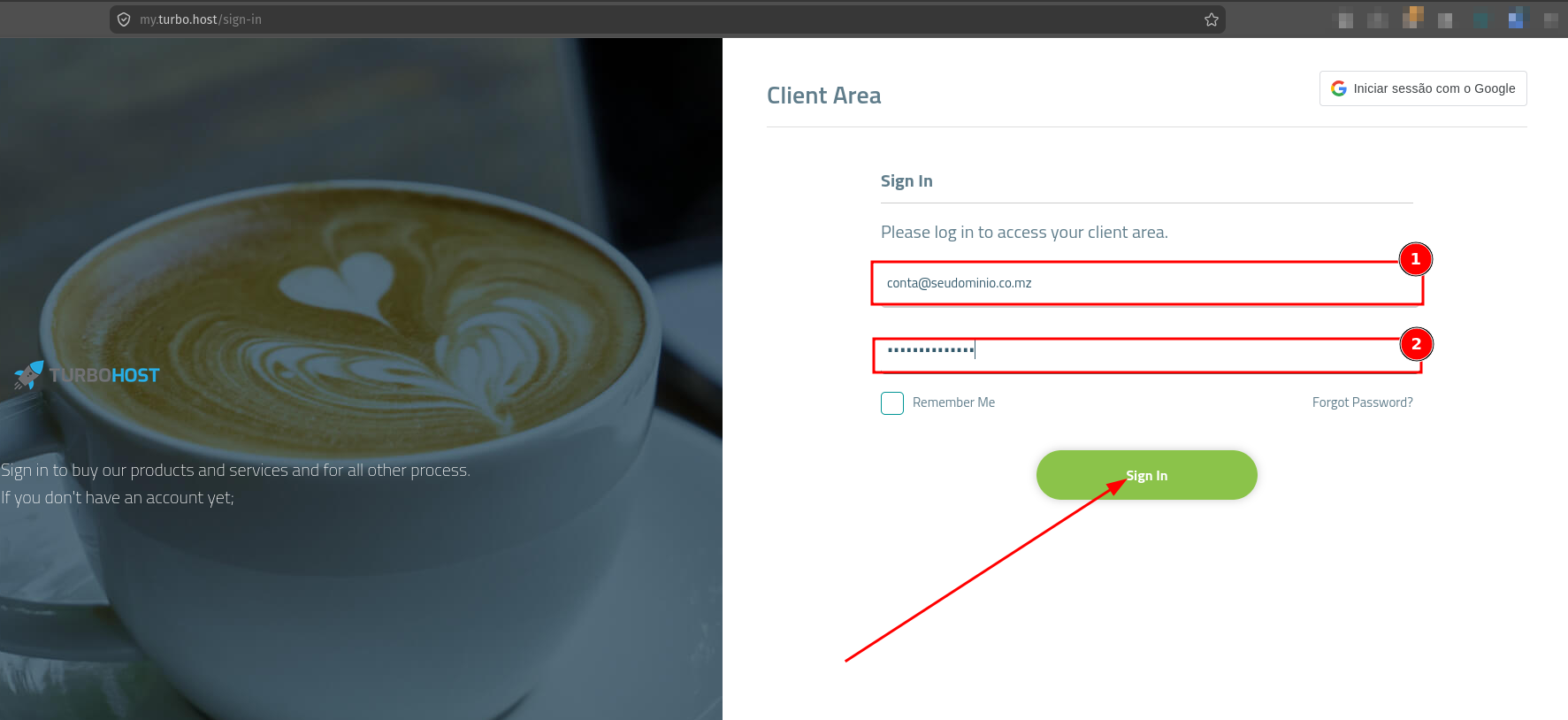
In the Email field, enter the email address associated with your Turbohost account.
In the Password field, enter your account password.
If you want to stay signed in on the device, you can select Remember Me.
After entering your credentials, click Sign In.
If the credentials are correct, you will be redirected to your Client Area.
Note: The email address used to sign in is the one provided when you created your account or when you purchased a service, such as a domain or hosting service.
If you do not remember your password, click Forgot Password? and follow the instructions provided to recover access to your account.

 Worldwide (English)
 Mozambique (Portuguese)